

Your website is often one of the first places people go when they discover your business.
Before calling you, visiting your store, or making an enquiry, a potential customer may check your website to understand what you offer and whether your business looks trustworthy.
A professional website is more than attractive colours and good-looking images.
The layout, content, navigation, images, mobile experience, and contact options all work together to create a better experience for your visitors.
Here are some simple ways to make your business website look and feel more professional.
01 / Keep the Design Clean and Simple
A professional website doesn't need to be complicated.
Too many colours, animations, fonts, pop-ups, or design elements can make a website difficult to understand.
Instead, focus on a clean layout with:
- Clear headings
- Enough spacing
- Consistent colours
- Easy-to-read fonts
- Well-organized sections
- Clear buttons
- Consistent design across pages
Your design should support your message rather than distract visitors from it.
02 / Make Your Business Clear Immediately
When someone opens your website, they should quickly understand what your business does.
Your homepage should clearly communicate:
- Who you are
- What you offer
- Who you help
- How customers can contact you
Avoid vague headlines that don't explain anything.
For example, instead of:
"We Create Possibilities"
a website development company could say:
"Professional Websites for Growing Businesses"
The second message immediately tells visitors what the business does.
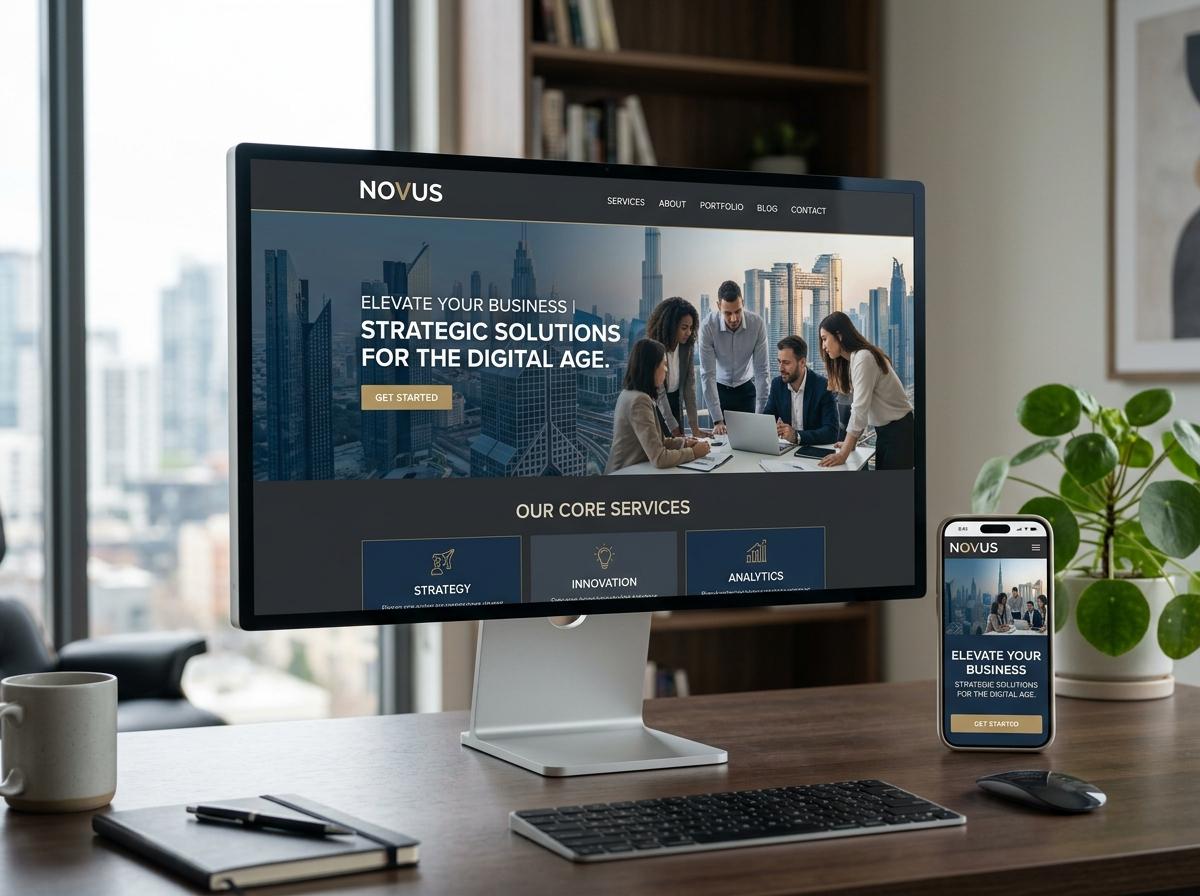
03 / Use High-Quality Images
Images can have a major impact on how professional your website looks.
Poor-quality, stretched, blurry, or unrelated images can make an otherwise good website look less trustworthy.
Use images that are:
- High quality
- Relevant to your business
- Properly sized
- Consistent with your brand
- Optimized for fast loading
Whenever possible, use real photos of your business, team, products, services, or completed work.
Authentic images can help customers understand your business better.
04 / Write Clear Website Content
Good design can attract attention, but your content needs to explain your business.
Your website content should be simple and easy to understand.
Explain:
- What you offer
- How your service works
- Why customers should choose you
- What customers can expect
- How they can get started
Avoid filling your website with complicated language just to make it sound professional.
Clear and direct content usually works better.
05 / Make Navigation Easy
Visitors shouldn't have to search through your website to find basic information.
Your navigation menu should make important pages easy to access.
Depending on your business, this could include:
- Home
- About
- Services
- Products
- Our Work
- Blog
- Contact
Keep the navigation simple and organized.
A visitor should be able to move from one important page to another without confusion.
06 / Make Your Contact Information Easy to Find
If a customer wants to contact you, don't make them search for your phone number or email address.
Your contact information should be easy to find.
Consider including:
- Phone number
- Email address
- Contact form
- Business address
- Google Maps location
- Social media links
You can also include clear call-to-action buttons such as:
- Call Us
- WhatsApp Us
- Get a Quote
- Start Your Project
The easier you make it for customers to contact you, the better.
07 / Make Your Website Mobile-Friendly
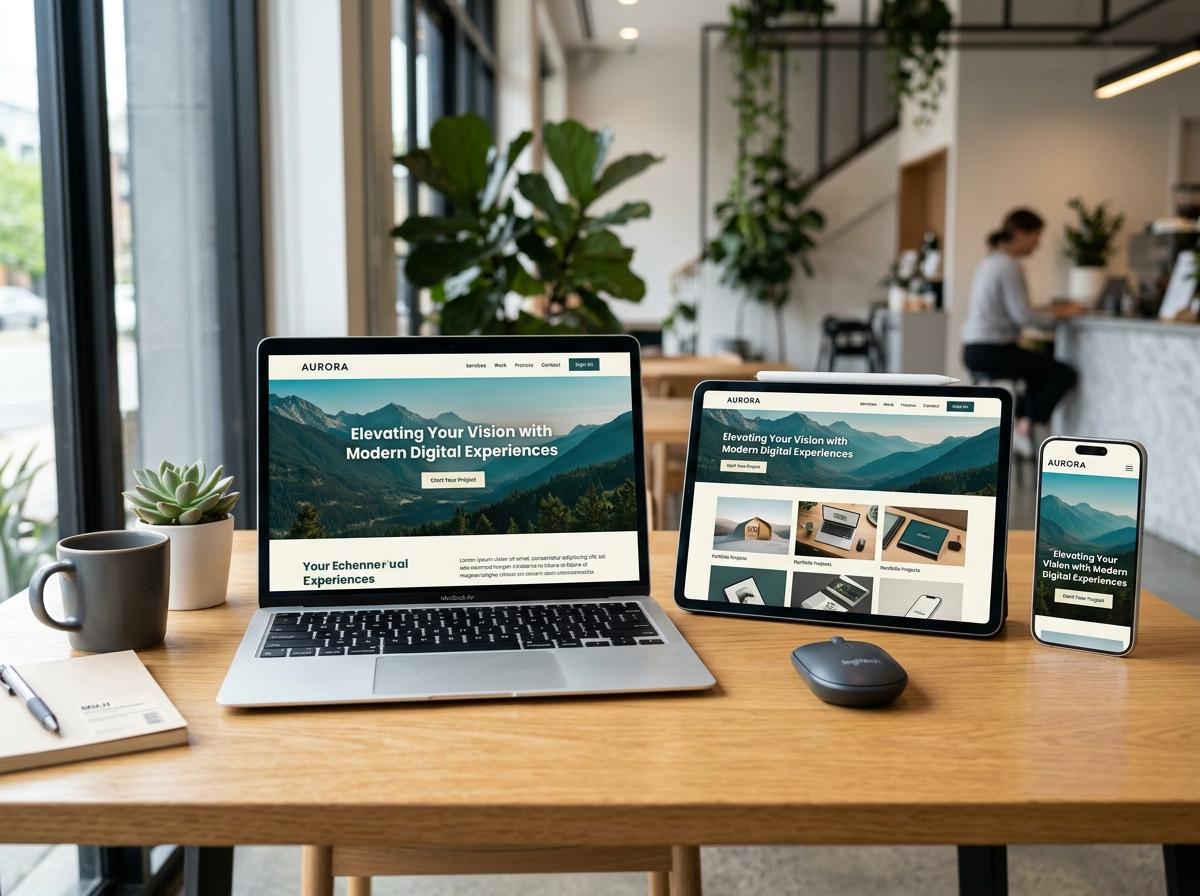
A website that looks great on a desktop but doesn't work properly on a phone can create a poor impression.
Your website should work smoothly across:
- Mobile phones
- Tablets
- Laptops
- Desktop computers
Check things such as:
- Text size
- Button size
- Image scaling
- Menu behaviour
- Section spacing
- Contact forms
- Page loading
A professional website should provide a good experience regardless of the device someone uses.
08 / Show Your Real Work
If your business provides services, don't just tell people what you can do.
Show them.
For example:
- A designer can show previous designs.
- A construction company can show completed projects.
- A restaurant can show its food and location.
- A digital agency can show websites, branding, and marketing work.
A portfolio or project section gives potential customers something real to look at and helps them understand the quality of your work.
09 / Add Customer Reviews and Testimonials
People naturally want to know whether others have had a good experience with your business.
Adding genuine testimonials can help build confidence.
You can include:
- Customer reviews
- Testimonials
- Google reviews
- Case studies
- Client logos
- Project results
Don't use fake reviews.
Real feedback from real customers is much more valuable for building trust.
10 / Use Consistent Branding
Your website should look like it belongs to your business.
Use consistent:
- Logo
- Colours
- Fonts
- Buttons
- Image style
- Design elements
- Tone of communication
The same branding should ideally appear across your website, social media, brochures, business cards, and other marketing materials.
Consistency makes your business easier to recognize.
11 / Don't Forget Website Speed
A beautiful website isn't very useful if it takes too long to load.
Large images, unnecessary scripts, excessive animations, and poorly optimized files can slow down your website.
Some simple ways to improve performance include:
- Compressing images
- Using appropriate image formats
- Reducing unnecessary animations
- Removing unused website resources
- Optimizing code
- Choosing reliable hosting
A faster website can provide a better experience for visitors.
12 / Keep Your Website Updated
A professional website should not look abandoned.
Check your website regularly and update information when necessary.
For example:
- Update business hours
- Add new services
- Remove outdated offers
- Update contact information
- Add recent projects
- Publish useful blog posts
- Replace outdated images
If your website says something that is no longer true, customers may lose confidence in your business.
13 / Give Visitors a Clear Next Step
After someone understands your business, what should they do next?
Don't leave them guessing.
Every important page should have a clear next step.
For example:
- Service page → Get a Quote
- Product page → Enquire Now
- Portfolio page → Start Your Project
- Blog article → Contact Us
- Contact page → Send an Enquiry
A clear call-to-action helps turn website visitors into potential customers.
14 / Build Trust Throughout the Website
Professional websites don't just look good. They make visitors feel comfortable doing business with you.
You can build trust by showing:
- Your business information
- Real work
- Customer reviews
- Contact details
- Business location
- Clear service information
- Frequently asked questions
- Privacy information where appropriate
The more confident customers feel about your business, the easier it becomes for them to take the next step.
A Simple Professional Website Checklist
Before launching or redesigning your website, ask yourself:
Design
- Is the design clean?
- Are the colours consistent?
- Are the fonts easy to read?
Content
- Is it clear what the business does?
- Are the services explained properly?
- Is the information easy to understand?
Navigation
- Can visitors find important pages quickly?
- Is the menu simple?
Images
- Are the images high quality?
- Are they relevant to the business?
Mobile
- Does the website work properly on phones?
- Are buttons easy to tap?
Trust
- Are reviews or testimonials available?
- Is real work shown?
- Are business details easy to find?
Contact
- Can visitors easily call, email, WhatsApp, or enquire?
Performance
- Does the website load quickly?
- Are images and files optimized?
Final Thoughts
A professional business website isn't about adding as many features as possible.
It's about creating a website that looks trustworthy, communicates clearly, works smoothly, and makes it easy for customers to take action.
Start with the basics:
Clear design + Useful content + Good images + Easy navigation + Mobile-friendly experience + Strong trust signals + Simple contact options
When these elements work together, your website becomes more than an online business card.
It becomes a useful tool for attracting visitors, building trust, and generating enquiries.

Ready to Improve Your
Business Website?

Let's build a website that works for your business.
Start Your Project